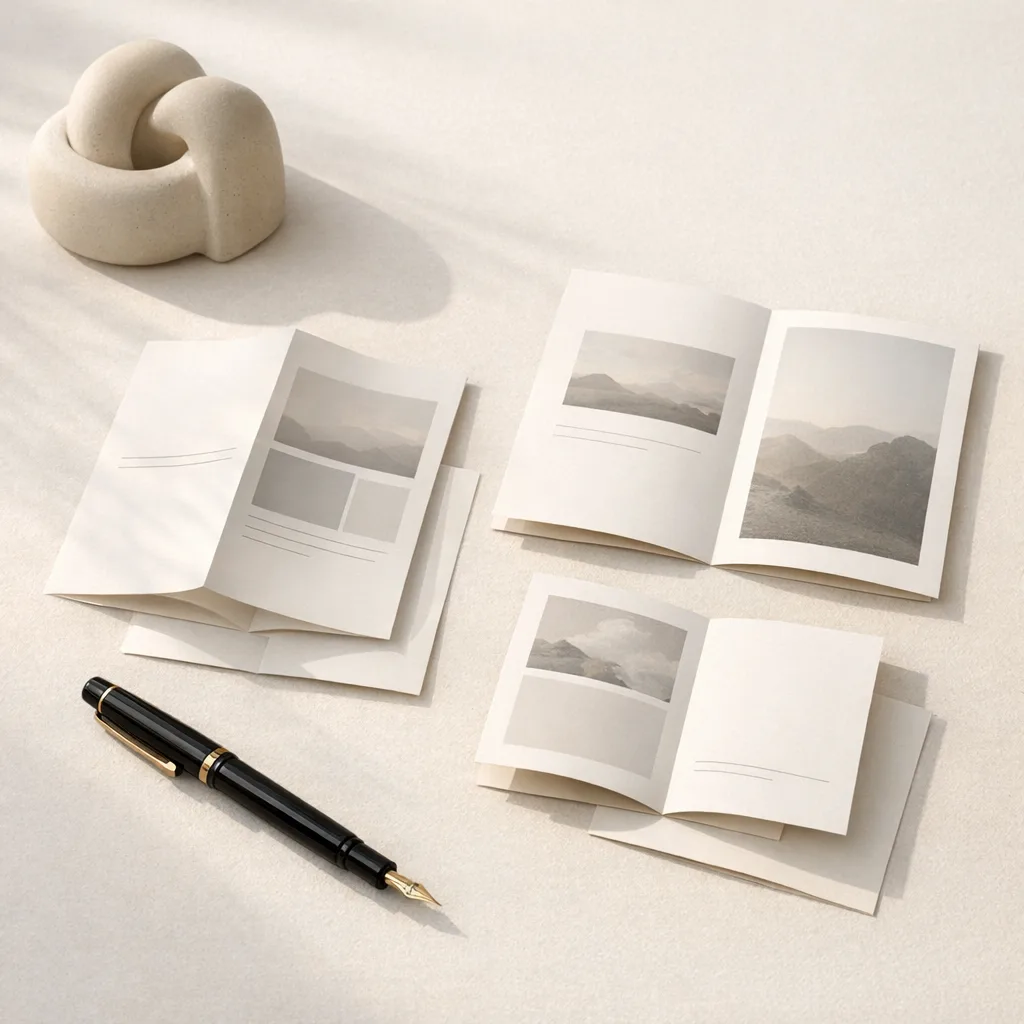
Most image-to-prompt tools fail in the same quiet way: they describe the picture, but they do not give you a prompt you can actually use. The output sounds polished, yet when you paste it into an image model, the subject drifts, the lighting changes, and the parts you cared about disappear.
The better workflow is slower by a few seconds and faster everywhere else. Treat the image as evidence first, turn that evidence into structured notes, then write the prompt from those notes instead of asking the model to guess your intent.
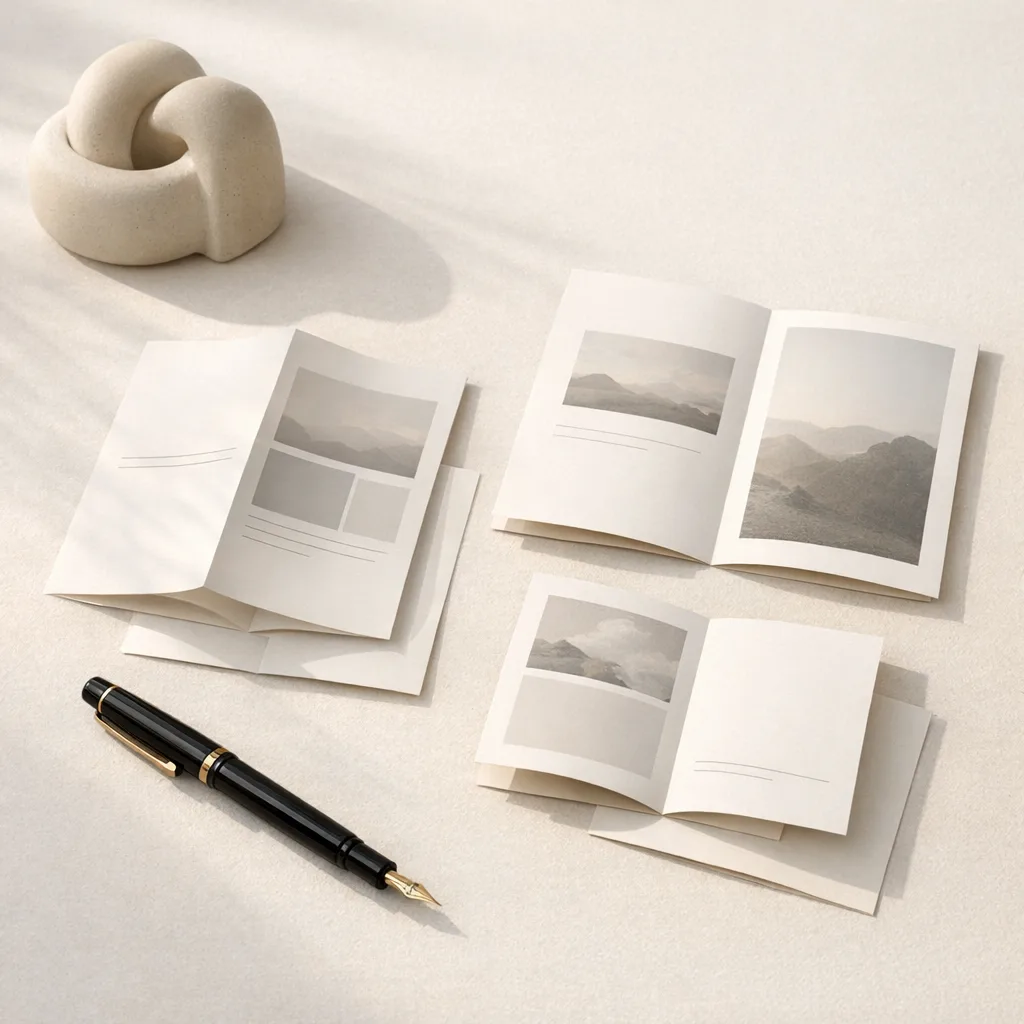
Quick answer
To turn a reference image into a reusable AI image prompt, extract the visible subject, setting, composition, lighting, colors, materials, style, and small details separately. Then combine those fields into one direct prompt. Do not ask the model to "improve" the image until you have captured what is actually visible.
That distinction matters. A faithful prompt is useful because it preserves the source. A creative prompt is useful because it changes the source on purpose. Mixing those two jobs is where most bad prompt extraction starts.
Scenario
This workflow is for people who collect references while working: marketers saving product ads, founders studying landing page visuals, designers bookmarking mood boards, and creators trying to recreate an image style without manually rewriting every detail.
The pain usually looks like this:
- You have a strong reference image but no reliable prompt behind it.
- A generic image caption is too vague to recreate the look.
- A long prompt from an AI tool includes invented details that were never in the image.
- You want a reusable prompt pattern, not a one-off caption.
If that sounds familiar, the job is not "describe this image beautifully." The job is "recover the visible decisions inside the image."
The workflow I use
Start with the image, not the model. Before writing a final prompt, split the reference into seven fields:
| Field | What to capture | What to avoid |
|---|---|---|
| Subject | Main objects, people, products, readable hierarchy | Guessing brand names or identity |
| Setting | Background, surface, room, outdoor context | Imagining a story outside the frame |
| Composition | Camera angle, crop, layout, negative space | Generic words like "cinematic" without support |
| Lighting | Direction, softness, contrast, shadows | Fake camera metadata |
| Colors | Dominant palette and contrast | Overly broad color labels |
| Materials | Fabric, glass, paper, metal, skin, texture | Materials that are not visible |
| Details | Small visible cues that anchor the result | Hidden meanings or invented symbolism |
Once those fields are clear, write the prompt in one pass:
Create a [subject] in [setting], framed with [composition]. Use [lighting], a [color palette], visible [materials], and include [specific details]. Keep the image faithful to the reference: no added objects, no changed background, no new text.That template is not magic. Its value is that it forces every phrase to earn its place.
A practical example
Imagine a reference image of a desk setup: a laptop, notebook, small ceramic cup, muted daylight, soft shadows, and a clean editorial crop. A weak image-to-prompt result might say:
A beautiful modern workspace, minimal, aesthetic, high quality.That prompt is short, but it throws away the useful information. A stronger version would be:
Create an editorial workspace still life with an open laptop, a cream notebook, and a small ceramic cup on a pale desk. Frame it from a slightly elevated angle with generous negative space on the right. Use soft window light from the left, muted beige and graphite tones, gentle shadows, and matte paper and ceramic textures. Keep the scene quiet and realistic, without adding extra devices, plants, or visible brand marks.The second prompt is not longer for the sake of being longer. It protects the parts that make the reference useful.
Where image-to-prompt tools go wrong
The most common failure is over-interpretation. A model sees a simple product photo and writes about luxury, confidence, storytelling, cinematic drama, or a brand campaign. Sometimes that language is useful later, but it is not evidence from the image.
For a reusable prompt, keep the first pass factual:
- Say "soft shadow under the bottle" instead of "premium atmosphere."
- Say "centered product on warm stone" instead of "luxury skincare campaign."
- Say "cropped waist-up portrait near a window" instead of "emotional founder profile."
You can always add taste after extraction. You cannot easily recover the original image once the first prompt has drifted.
Solution
Use a two-pass process.
First pass: extract the image literally. Capture visible objects, layout, light, palette, material, and detail. Keep the language plain.
Second pass: adapt the prompt for the target model or task. This is where you can make it shorter, denser, more cinematic, more commercial, or more specific to GPT Image, Flux, Midjourney, or another image generator.
In Image to Prompt, this is why the workbench separates analysis from reuse. You can inspect the prompt, copy it, and then send it into generation only after the structure makes sense.
Evidence
You can test the quality of an image-to-prompt result with one simple question: if someone removed the original image, could the prompt still recover the same subject, crop, light, and material choices?
I use this checklist:
- The main subject is named without guessing identity.
- The camera or viewpoint is described in plain words.
- The lighting direction and shadow behavior are included.
- The color palette is specific enough to constrain the output.
- The prompt includes at least three small visible details.
- The prompt says what not to change when fidelity matters.
If a prompt passes those checks, it is usually reusable. If it fails them, it is probably just a caption.
Copy-ready prompt pattern
Use this when you want a faithful recreation prompt:
Create a faithful image based on the reference: [main subject] in [setting]. Use [composition and camera angle], [lighting], [dominant colors], and [materials or textures]. Include [specific visible details]. Keep the result close to the source image, with no added objects, no changed background, no extra text, and no invented branding.Use this when you want a style transfer prompt:
Create a new image with the same visual language as the reference: [style], [lighting], [palette], [composition], and [material feel]. Apply that look to [new subject]. Keep the mood and image structure consistent, but do not copy the original objects.The difference between those two prompts is the difference between recreating an image and learning from it.
Final note
Good prompt extraction is not about squeezing more adjectives into a text box. It is about keeping visual decisions intact long enough to reuse them. When the prompt can survive outside the original image, you have something worth saving.